Solo verses
Burning Bridges AI Video Generator
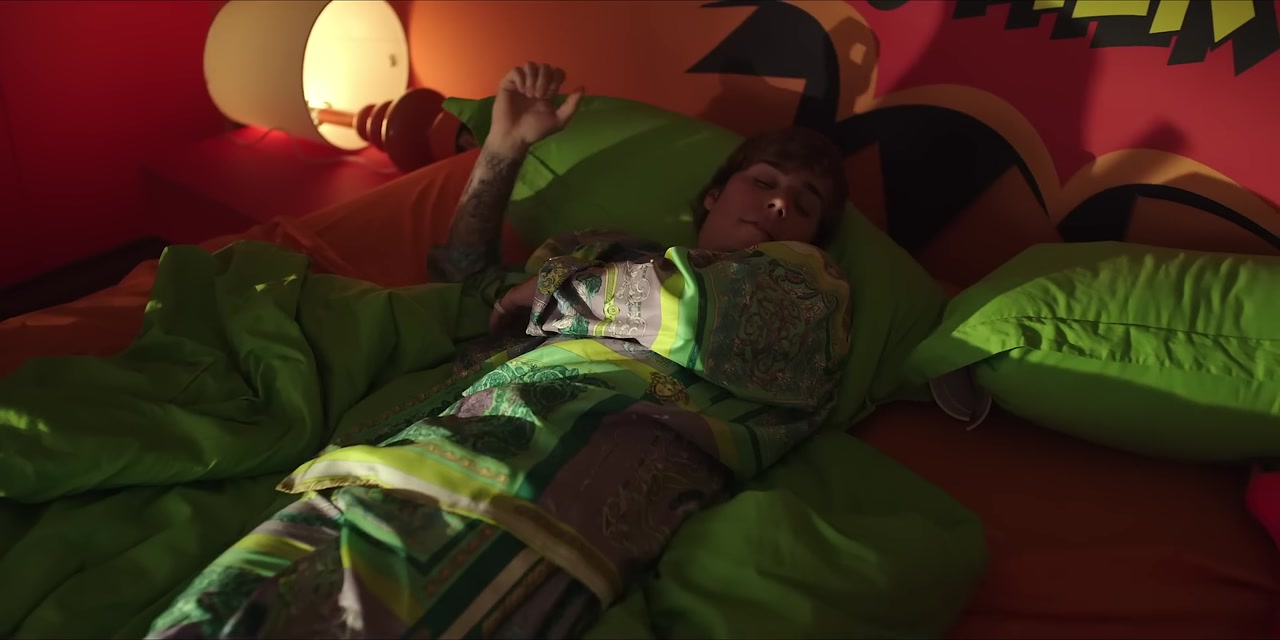
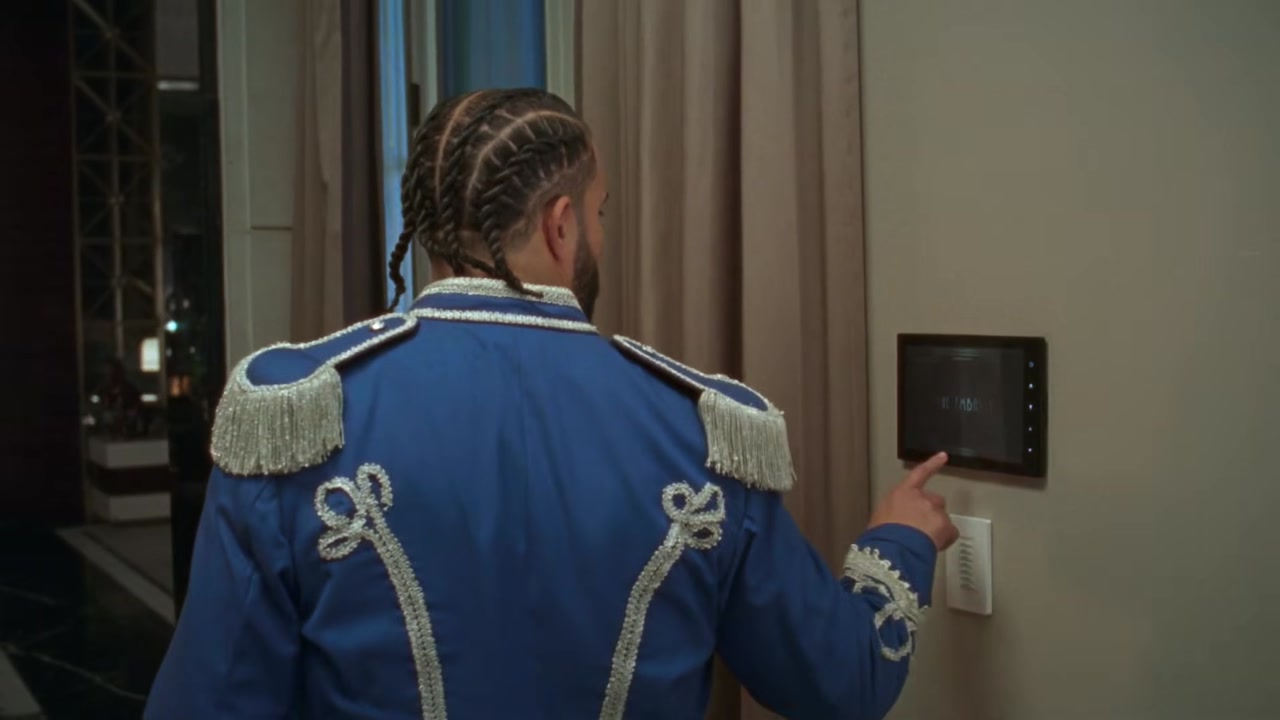
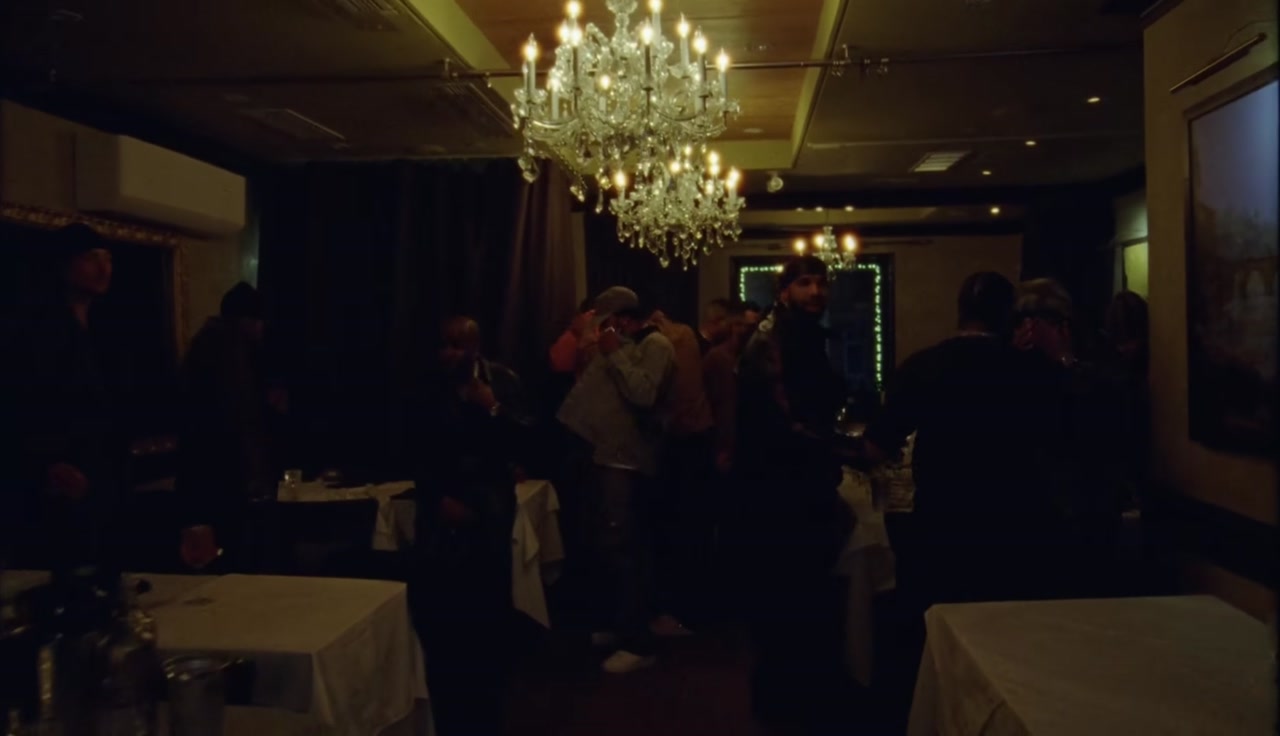
Make a Burning Bridges AI video and step into the chandelier party. The Burning Bridges AI video puts you in the scene from the Drake trend, scanning the room with a hand over your eyes while the beat rolls. Upload one photo and the Burning Bridges AI generator swaps you in as the performer, keeping the lights, the crowd and the timing of the move.
What is the Burning Bridges AI video trend?
The Burning Bridges AI video trend grew out of a Drake song from Iceman and a simple gesture: a hand raised over the eyes, scanning the horizon like someone looking for a friend in a crowd. The move went global during the World Cup, when fans used it to search for their team, their players and their friends in packed stadiums.
Creators then started making a Burning Bridges AI video with their own faces, putting themselves into a chandelier lit party scene and doing the same scanning move on the beat. The contrast between a dark, glamorous room and an everyday face is what makes people stop scrolling.
A Burning Bridges AI video keeps the party, the lighting, the camera and the timing of the gesture. Only the main performer changes, so the clip reads as the Burning Bridges trend instantly while the star is you.
How to make a Burning Bridges AI video in three steps
Upload your photo
Add one clear photo of the person you want in the scene. The Burning Bridges AI generator replaces the main performer at the chandelier party.
Pick a quality
Choose 480p, 720p HD or 1080p Full HD. Every Burning Bridges AI video is 15 seconds long in vertical 9:16.
Generate and download
Press Generate. The AI keeps the room, the lights and the hand over the eyes scan, and swaps in your face, hair and outfit. Most clips are ready in a few minutes. Your Burning Bridges AI video is saved in My creations.
Best photos for a Burning Bridges AI video
The party scene is dark with warm highlights, and the scanning move covers part of the face, so the photo needs to give the AI a full, clear view.
- Use a photo with the whole face visible, forehead to chin.
- Avoid hats and caps. The hand goes over the eyes and a hat makes the forehead hard to read.
- Pick even, warm light if you can. It blends better with the chandeliers.
- Show the head and shoulders, with a bit of outfit.
- Use one person per photo.
- A serious or focused expression suits the scan.
Pets work in a Burning Bridges AI video too, though the move reads best on people.
Burning Bridges AI video ideas that work
The best Burning Bridges AI video gives the scan a reason. Ideas that land well:
- Looking for your friend who said they were five minutes away.
- A fan scanning the stadium for their team before kickoff.
- A parent looking for the kid who wandered off at the mall.
- A gamer searching for a teammate who went missing.
- A dog looking for the treat you pretended to throw.
- A coworker searching for whoever took their lunch.
- Yourself, searching for motivation on a Monday.
The caption sets up the joke. The Burning Bridges AI video delivers it.
Tips for a better Burning Bridges AI result
A few small choices improve every Burning Bridges AI video.
- Pick a sharp photo. Dim scenes show blur and noise more than bright ones.
- Keep your hair away from your forehead and eyes.
- Use 720p HD or 1080p Full HD if you want the chandeliers and lights to look rich.
- Avoid heavy filters. They make skin look flat in the warm light.
- If the face looks off, change the photo rather than retrying the same one.
Burning Bridges AI video vs a regular face swap
A face swap app pastes a face onto the clip frame by frame. A Burning Bridges AI video rebuilds the performer with your face, hairstyle and outfit and then animates that person through the scene. When the hand rises over the eyes, the AI keeps the face consistent behind it instead of glitching at the edges.
That rebuild is what makes a Burning Bridges AI video look filmed rather than edited. You also only need one still photo. There is no need to act out the scan yourself; the Burning Bridges AI generator copies the move from the reference clip.
If another app gave you a blurry or patchy result, try a sharper, well lit photo here. The input photo decides most of the quality.
Where the hand over the eyes move comes from
The hand over the eyes gesture is older than any song. Sailors, scouts and sports fans have used it for centuries to shield their eyes and search the distance. In the Burning Bridges trend it turned into a dance move, timed to the beat and performed with a straight face, as if the performer is looking for someone who has disappeared.
Drake performing Burning Bridges with that gesture gave it a soundtrack, and football fans gave it a stage. During the World Cup the move showed up in stadiums, fan zones and living rooms, with captions about searching for a team's defense or a player who went missing in the second half. A Burning Bridges AI video lets you put your own face on that move without filming anything.
Burning Bridges AI video for football season
Match days are the best time to post a Burning Bridges AI video. A fan scanning the crowd for a striker who has not scored, a goalkeeper looking for a defense, or a supporter searching for the trophy all make easy, shareable jokes. Make a Burning Bridges AI video of yourself in your team's shirt for the most personal version, or use a photo of a friend who supports the rival team.
Keep the caption short and tie it to the match. The Burning Bridges trend works best when viewers get the joke before the scan finishes.
Why the Burning Bridges trend went viral
The Burning Bridges trend went viral because the gesture is useful. Anyone can use a hand over the eyes to say "where are you", and that made it perfect for World Cup fans, group chats and everyday jokes. The song gave it a soundtrack, and the chandelier party gave it a look.
A Burning Bridges AI video adds a new layer: you do not need to be at the party or even film yourself. One photo puts you there, so people who would never post a dance can still join the Burning Bridges trend.
Who makes a Burning Bridges AI video
Sports fans make a lot of Burning Bridges AI videos, especially around big matches. Friend groups use them to call out whoever is always late, and small creators use the Burning Bridges AI generator to join the trend in minutes. Pet owners like it too. Always ask before using someone else's photo in a Burning Bridges AI video.
How to post your Burning Bridges AI video on TikTok, Reels and Shorts
Your Burning Bridges AI video is 9:16, ready to upload anywhere vertical.
- Write a caption that says who or what you are looking for.
- Add the Burning Bridges sound on TikTok so your post shows up with the trend.
- Tag the friend the joke is about.
- Time your post around match days if your joke is about football.
Burning Bridges AI video quality and credits
A Burning Bridges AI video costs 20 credits at 480p, 45 credits at 720p HD and 80 credits at 1080p Full HD. The cost appears next to the Generate button before you start, and failed tasks return their credits. Credits work on every template on the site.
Burning Bridges AI video FAQ
How many people does the Burning Bridges AI video swap?
One, the main performer at the chandelier party.
Will my face stay visible during the hand over the eyes move?
Part of the face is covered during the move, like in the original. A clear photo keeps the rest of your face consistent around it.
Can I post a Burning Bridges AI video on TikTok?
Yes. Every Burning Bridges AI video comes out in 9:16, the size TikTok and Reels expect.
How long is a Burning Bridges AI video?
Each Burning Bridges AI video is 15 seconds long.
Can I use a group photo?
Crop it to one person first. The template swaps a single performer.
Is this Burning Bridges AI generator official?
No. This is an independent fan template, not affiliated with Drake.
More AI rap video templates
 New
New New
New