Duos & crews
Tiptoeing In My Jordans AI Video Generator
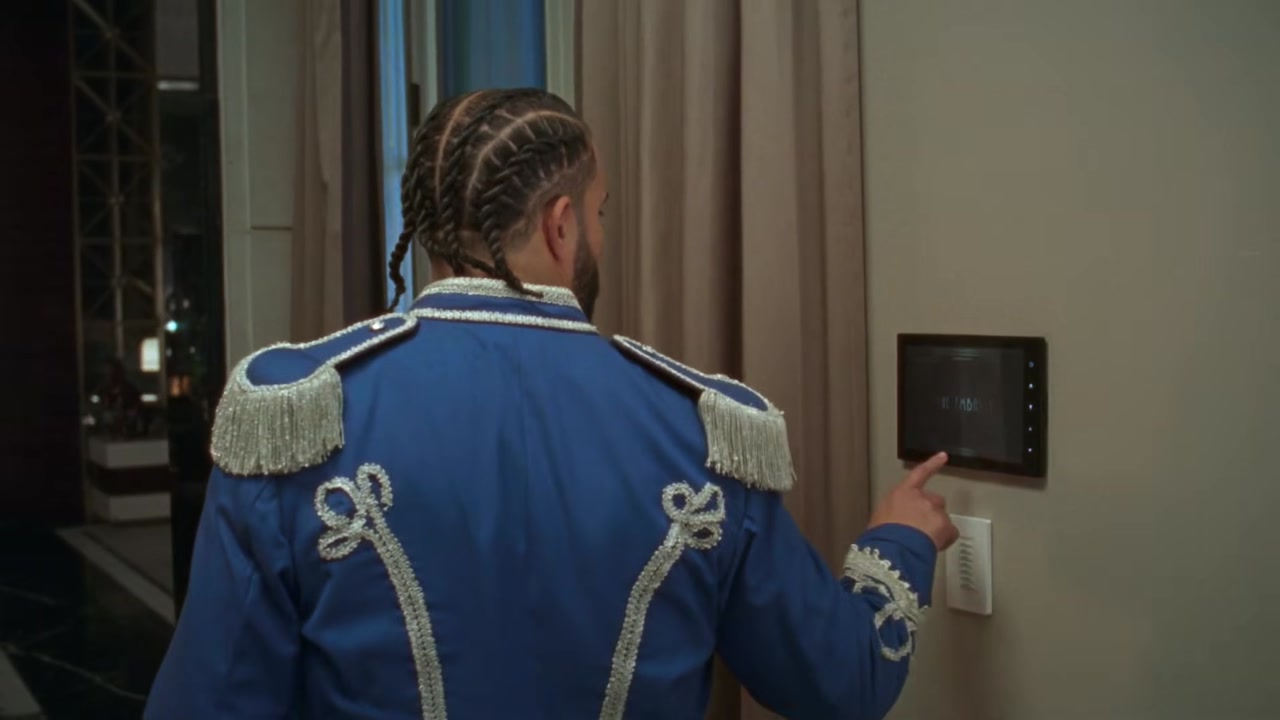
Make your own Tiptoeing In My Jordans AI video with two photos. The Tiptoeing In My Jordans AI video recreates the hayloft meme: a wide-eyed man in a sparkly tuxedo creeping on his toes toward a woman frozen in the hay, timed to the line about tiptoeing in Jordans. Upload one photo for the tiptoer and one for the person in the hay, and the AI puts you and a friend into both roles.
What is the Tiptoeing In My Jordans meme?
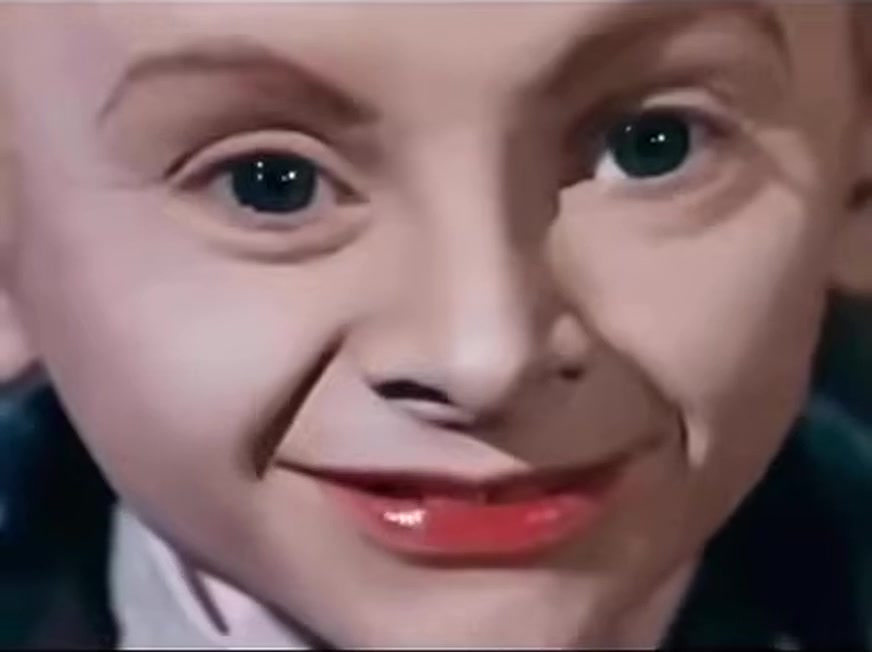
The Tiptoeing In My Jordans meme pairs an old fashioned film scene with a rap line. A man in a glittering tuxedo sneaks across a barn hayloft on the very tips of his toes, eyes wide, while a woman lies perfectly still in the hay. The audio is the Riff Raff line about tiptoeing in Jordans, and the mismatch between a 1960s style scene and a modern rap lyric is what makes it funny.
The clip passed a million plays in early October and quickly turned into a duo format. Instead of watching the original, people started making a Tiptoeing In My Jordans AI video with their own faces, casting a friend, a partner or a pet as the tiptoer and someone else as the person in the hay.
A Tiptoeing In My Jordans AI video keeps the hayloft, the slow creep, the camera angle and the timing of the line. Only the two people change, so the joke still reads in a second.
How to make a Tiptoeing In My Jordans AI video in three steps
Upload two photos
Add one photo for the tiptoer and one for the second person in the hay. The tiptoer photo replaces the man in the sparkly tuxedo. The second photo replaces the woman frozen in the hay. Each photo should show one person.
Pick a quality
Choose 480p, 720p HD or 1080p Full HD. Every Tiptoeing In My Jordans AI video is 15 seconds in vertical 9:16.
Generate and download
Press Generate. The AI keeps the creep, the pauses and the beat of the original meme, and swaps in both faces and outfits. Your Tiptoeing In My Jordans AI video appears in My creations, usually within a few minutes.
Best photos for a Tiptoeing In My Jordans AI video
The two roles in the meme have very different energy, so pick photos that match each one.
- For the tiptoer, a surprised or wide-eyed photo sells the joke. Big eyes and raised eyebrows are perfect.
- For the person in the hay, a calm or sleepy face works best.
- Use one person per photo and crop out anyone else.
- Show the face clearly with even light. Avoid sunglasses and hats that hide the eyes.
- Head and shoulders are enough, but a photo that shows a bit of the outfit helps the AI dress the tiptoer.
Pets are great in a Tiptoeing In My Jordans AI video. A cat creeping toward a sleeping dog is one of the most shared versions.
Tiptoeing In My Jordans AI video ideas that work
The best Tiptoeing In My Jordans AI video casts two people with a story between them. Ideas that keep getting shared:
- You sneaking up on your roommate, for the classic version.
- A partner sneaking toward you on a lazy Sunday.
- Your cat tiptoeing toward your sleeping dog.
- A sibling sneaking up on the other sibling.
- A coworker creeping toward the boss, with permission.
- A kid sneaking toward a parent napping on the couch.
- Two characters from the same show, one sneaky and one oblivious.
Swap the roles and make a second Tiptoeing In My Jordans AI video. Posting both side by side doubles the laugh.
Tips for a better Tiptoeing In My Jordans AI result
Small choices make the final Tiptoeing In My Jordans AI video look natural.
- Match the lighting of the two photos. Warm photos suit the barn scene best.
- Pick photos where both faces are sharp. Blurry selfies lose detail once the faces move.
- Put the more expressive person in the tiptoer role. That role carries the joke.
- Use 720p HD or 1080p Full HD when you plan to post. 480p is fine for testing a new pairing.
- If a face looks wrong, try a different photo instead of the same one again.
Tiptoeing In My Jordans AI video vs a regular face swap
A face swap app pastes a face onto a clip. A Tiptoeing In My Jordans AI video rebuilds both people in the scene with the faces, hair and visible outfits from your photos, then animates them through the original meme. The tiptoer still rises on his toes, pauses and creeps forward, and the person in the hay stays frozen at the right moments.
Because the people are rebuilt instead of pasted, the Tiptoeing In My Jordans AI video avoids flickering edges and mismatched skin. You also do not need to film anything. Two still photos are enough for the AI to make the full meme.
If a version from another app looked stiff, try brighter photos with more expression here. Most problems with a Tiptoeing In My Jordans AI video come from dark or low resolution photos.
Where the Tiptoeing In My Jordans line comes from
The line comes from Riff Raff, the rapper known for playful, over the top lyrics. Tiptoeing in Jordans is a boast about walking carefully in expensive sneakers so they do not crease, and it became a meme sound years before the hayloft clip. Pairing that line with a man creeping in a tuxedo turned the boast into a joke about sneaking somewhere you should not be.
That history is why the Tiptoeing In My Jordans AI video feels familiar even to people who missed the October wave. The audio already lives in meme culture, and the new visual gives it a fresh setup. When you make a Tiptoeing In My Jordans AI video, you are riding both the old sound and the new scene at the same time.
Why the Tiptoeing In My Jordans meme went viral
The Tiptoeing In My Jordans meme went viral because it is absurd in a way that is easy to share. A formal tuxedo, a hayloft and a rap line about sneakers do not belong together, and the deadpan creep makes it even funnier. The line itself is short and catchy, so it sticks after one watch.
The duo format did the rest. Every Tiptoeing In My Jordans AI video has two people, so creators tag the person they put in it, that person makes their own, and the meme keeps spreading through friend groups and couples.
Who makes a Tiptoeing In My Jordans AI video
Couples, roommates and siblings make most Tiptoeing In My Jordans AI videos, because the meme is about someone sneaking up on someone else. Pet owners are close behind. Small creators use it to join the trend quickly without staging a scene, since a Tiptoeing In My Jordans AI video only needs two photos. Always ask before you use another person's photo.
How to post your Tiptoeing In My Jordans AI video
Your Tiptoeing In My Jordans AI video is 9:16, ready for TikTok, Instagram Reels and YouTube Shorts.
- Write a caption that sets up the story, for example "me at 2am heading to the fridge".
- Use the original tiptoeing sound on TikTok so your post joins the meme page.
- Tag the person in the hay. They will want to share it.
- Post a reverse version next, with the roles swapped.
Tiptoeing In My Jordans AI video quality and credits
A Tiptoeing In My Jordans AI video costs 20 credits at 480p, 45 credits at 720p HD and 80 credits at 1080p Full HD. The exact cost appears next to the Generate button before you start, and failed tasks return their credits. Your credits work on every template on the site.
Tiptoeing In My Jordans AI video FAQ
Do I need two photos for a Tiptoeing In My Jordans AI video?
Yes. One photo is for the tiptoer and one is for the person in the hay.
Can I play both roles?
Yes. Upload two different photos of yourself and you play both sides of the Tiptoeing In My Jordans AI video.
Can I use pets?
Yes. A pet tiptoeing toward another sleeping pet is one of the most shared Tiptoeing In My Jordans AI video ideas.
How long is a Tiptoeing In My Jordans AI video?
Each Tiptoeing In My Jordans AI video is 15 seconds long in 9:16.
How long does it take to generate?
Most videos are ready in a few minutes. You can leave the page and find the result in My creations.
Is this the official meme?
No. This is an independent fan template, not affiliated with the creators of the original clip or Riff Raff.
More AI rap video templates
 New
New