Solo verses
Cheetah Print AI Video Generator
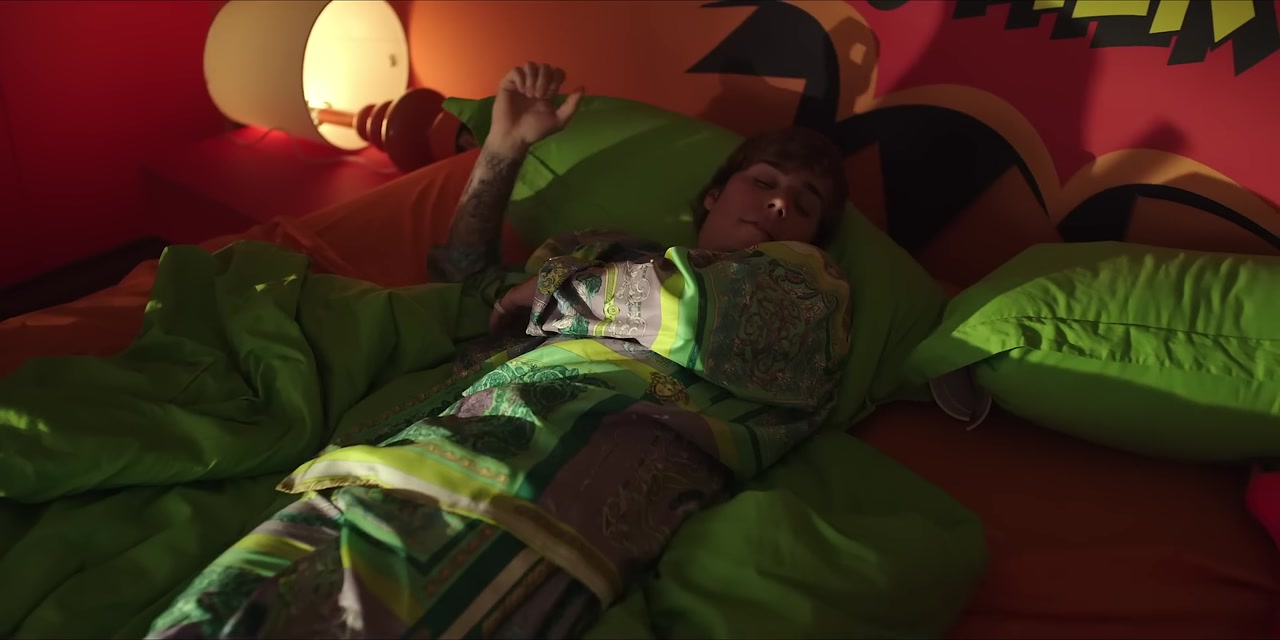
Make a Cheetah Print AI video and take the verse yourself. The Cheetah Print AI video puts you in the neon-lit apartment from the Drake and Sexyy Red video, with the same camera, colors and beat. Upload one photo and the Cheetah Print AI generator makes you the performer, keeping every cut and every move of the original.
What is the Cheetah Print AI video trend?
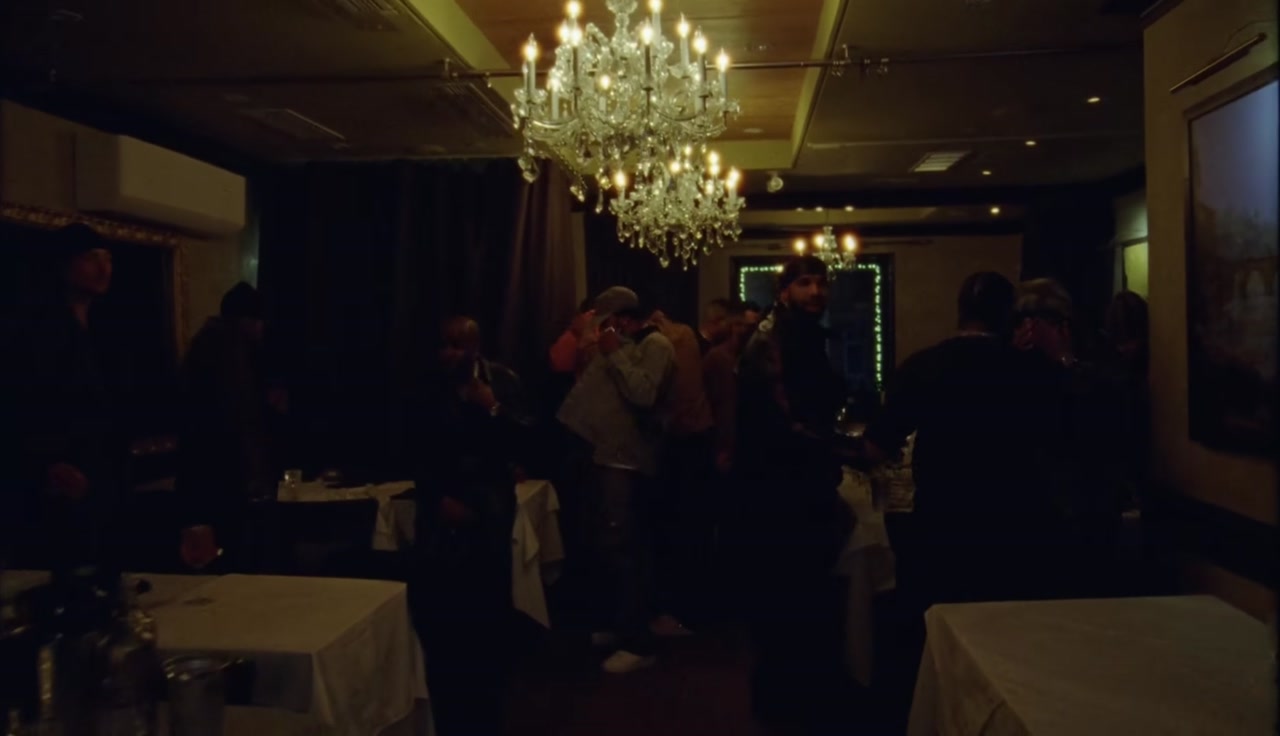
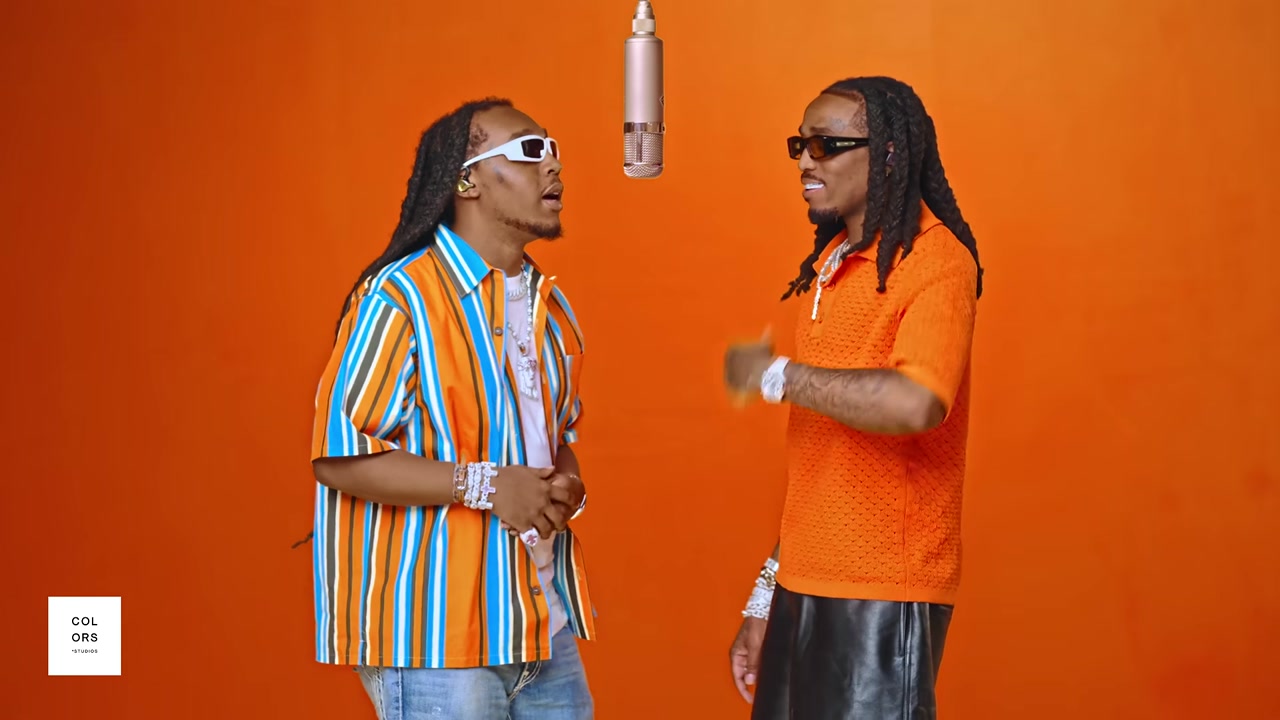
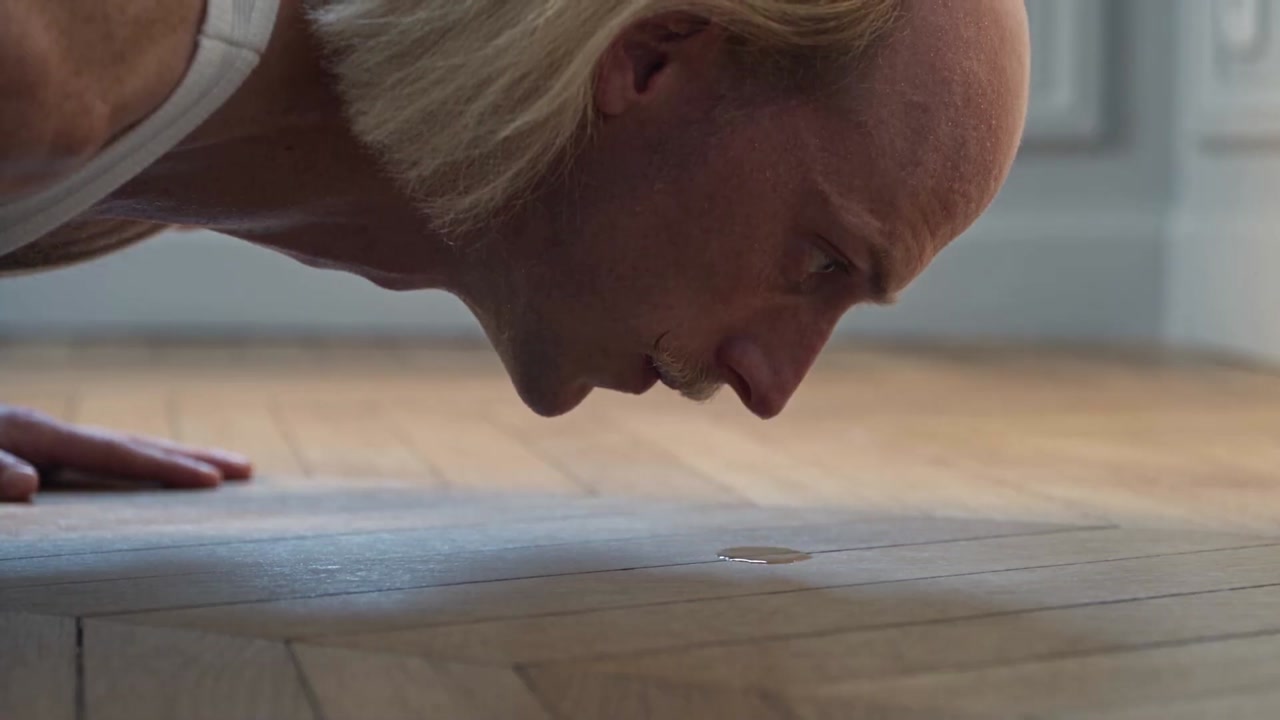
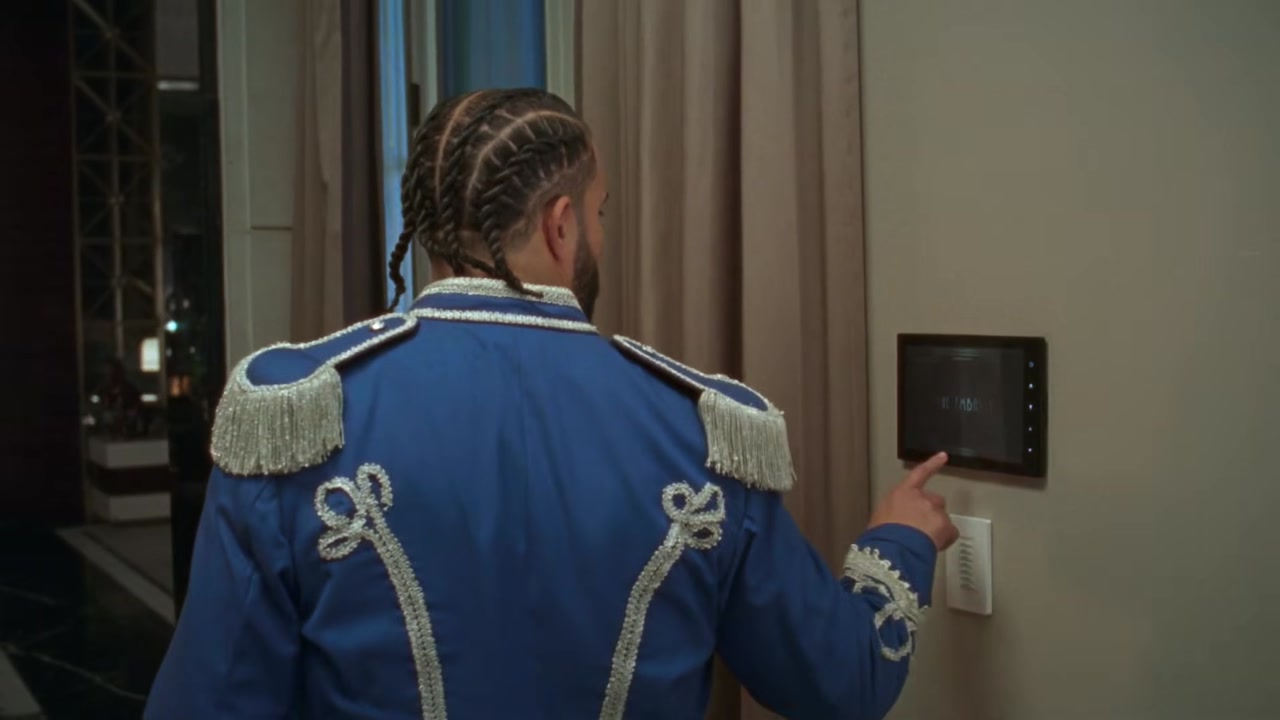
Cheetah Print is a Drake song featuring Sexyy Red, released in May with a video set in a neon-lit apartment and kitchen. The track climbed into the Billboard Hot 100, and by September its video had become a template. Creators started making a Cheetah Print AI video with their own faces, dropping themselves into the colorful set to take the verse.
The appeal is the look. Saturated pinks, purples and greens, a stylish apartment and a performer who owns the camera make a Cheetah Print AI video feel like a real music video, even when the person in it has never rapped. It is a flex in fifteen seconds.
A Cheetah Print AI video keeps the set, the lighting, the camera moves and the timing. Only the performer changes, so the clip is recognizable as the Cheetah Print trend at a glance.
How to make a Cheetah Print AI video in three steps
Upload your photo
Add one clear photo of the person you want in the video. The Cheetah Print AI generator replaces the main performer.
Pick a quality
Choose 480p, 720p HD or 1080p Full HD. Every Cheetah Print AI video is 15 seconds long in vertical 9:16.
Generate and download
Press Generate. The AI keeps the neon apartment, the camera and the beat, and swaps in your face, hair and outfit. Most clips are ready in a few minutes. Your Cheetah Print AI video is saved in My creations.
Best photos for a Cheetah Print AI video
The neon light in the scene is strong and colorful, so your photo should give the AI accurate, natural colors to start from.
- Use daylight or soft white light. Colored lighting in the photo mixes badly with the neon.
- Face the camera with the whole face visible.
- Show the head and shoulders, and some of the outfit.
- Skip beauty filters that change skin tone.
- Use one person per photo.
- A confident, slightly unimpressed look suits the Cheetah Print trend.
If you have a photo in an animal print outfit, use it. It fits the Cheetah Print AI video perfectly.
Cheetah Print AI video ideas that work
A strong Cheetah Print AI video plays on the glamour of the set. Ideas that get shared:
- Yourself, dressed up, for a confident post.
- A friend who always wears animal print.
- Your mom, who taught everyone the meaning of cheetah print.
- Your cat, the original cheetah print.
- A stylist or salon showing off a client, with permission.
- A boutique owner announcing a new collection.
- A friend celebrating a new job or a big win.
The Cheetah Print AI video works best when the person in it looks like they belong in that apartment.
Tips for a better Cheetah Print AI result
A few small choices improve every Cheetah Print AI video.
- Use a well lit photo with natural colors so your skin tone stays accurate under the neon.
- Keep hair away from the face.
- Choose 720p HD or 1080p Full HD so the colors and details look rich.
- Avoid group photos, even cropped ones.
- If the face looks off, try a different photo instead of retrying the same one.
Cheetah Print AI video vs a regular face swap
A face swap app only replaces the face, which often looks pale or patchy under strong colored lights. A Cheetah Print AI video rebuilds the whole performer from your photo, including hair and outfit, and relights them for the neon scene. That is why the result looks like it was filmed in the apartment rather than edited on top of it.
You also do not need video of yourself. One still photo is enough for the Cheetah Print AI generator to make the full clip with the original timing.
If another app gave you a washed out face, try a photo taken in daylight here. Natural color in the input makes the biggest difference in a Cheetah Print AI video.
Why the Cheetah Print trend took off
The Cheetah Print trend took off because the video looks expensive and the song is easy to love. A neon set, a confident verse and a bold title made it perfect for people who want to look good on their feed. Putting yourself in that scene feels like starring in your own music video.
The Cheetah Print AI video made that possible for everyone. You do not need a set, lights or a camera crew. One photo and a few minutes are enough to post your own Cheetah Print AI video.
Cheetah Print AI video for fashion and beauty pages
Fashion and beauty accounts use the Cheetah Print trend to show off looks. A stylist can make a Cheetah Print AI video of a client in a new outfit, a salon can show a fresh color and a boutique can feature a model in the latest drop. The neon set makes any outfit pop, and the music gives the post energy without extra editing. Always get permission before using a client's photo.
Where the Cheetah Print song comes from
Cheetah Print brings together Drake and Sexyy Red, two artists with very different styles. Drake brings smooth, confident bars and Sexyy Red brings loud, playful energy, and the mix made the song an instant playlist pick when it came out in May. It peaked at number 41 on the Billboard Hot 100 and kept growing on social media through the summer.
The video leans into that contrast with a bold, colorful set. Neon lights wash over a stylish apartment and kitchen, and the performers treat the camera like a mirror. That is the energy you borrow when you make a Cheetah Print AI video: bold color, a confident face and a beat that carries the whole clip.
Cheetah Print AI video looks that stand out
Some looks pop more than others under the neon of a Cheetah Print AI video. Animal print, obviously, is the classic choice. Bright solids like red, white or electric blue also stand out against the purple and pink light. Gold jewelry catches the glow and reads well even at small sizes on a phone screen.
Dark, plain clothes can disappear into the shadows of the set, so if you have a choice of photos, pick the one with the stronger outfit. Hair and makeup carry over too, so a photo from a night out often makes a better Cheetah Print AI video than a casual selfie.
Who makes a Cheetah Print AI video
Most Cheetah Print AI videos come from people who want a confident, good looking post: friends celebrating, fans of the song and creators who want a music video look without filming. The Cheetah Print AI generator gives them that look from a single photo.
How to post your Cheetah Print AI video
Your Cheetah Print AI video is 9:16, ready for TikTok, Instagram Reels and YouTube Shorts.
- Write a confident caption, for example "main character energy".
- Add the Cheetah Print sound on TikTok so your post joins the trend.
- Tag the friend or brand in the video.
- Pair your Cheetah Print AI video with a photo carousel of the real outfit.
Cheetah Print AI video quality and credits
A Cheetah Print AI video costs 20 credits at 480p, 45 credits at 720p HD and 80 credits at 1080p Full HD. The cost appears next to the Generate button before you start, and failed tasks return their credits. Credits work on every template on the site.
Cheetah Print AI video FAQ
How many people does the Cheetah Print AI video swap?
One, the main performer in the apartment.
Will the neon lights change my skin tone?
The AI relights you for the scene. A photo with natural light keeps your skin tone accurate in the Cheetah Print AI video.
What quality can I choose?
480p, 720p HD or 1080p Full HD. Higher quality costs more credits.
How long is a Cheetah Print AI video?
Each Cheetah Print AI video is 15 seconds long in 9:16.
Can I use it for a business page?
Yes, with photos you have permission to use. Fashion and beauty pages use the Cheetah Print trend often.
Is this Cheetah Print AI generator official?
No. This is an independent fan template, not affiliated with Drake or Sexyy Red.
More AI rap video templates
 New
New New
New