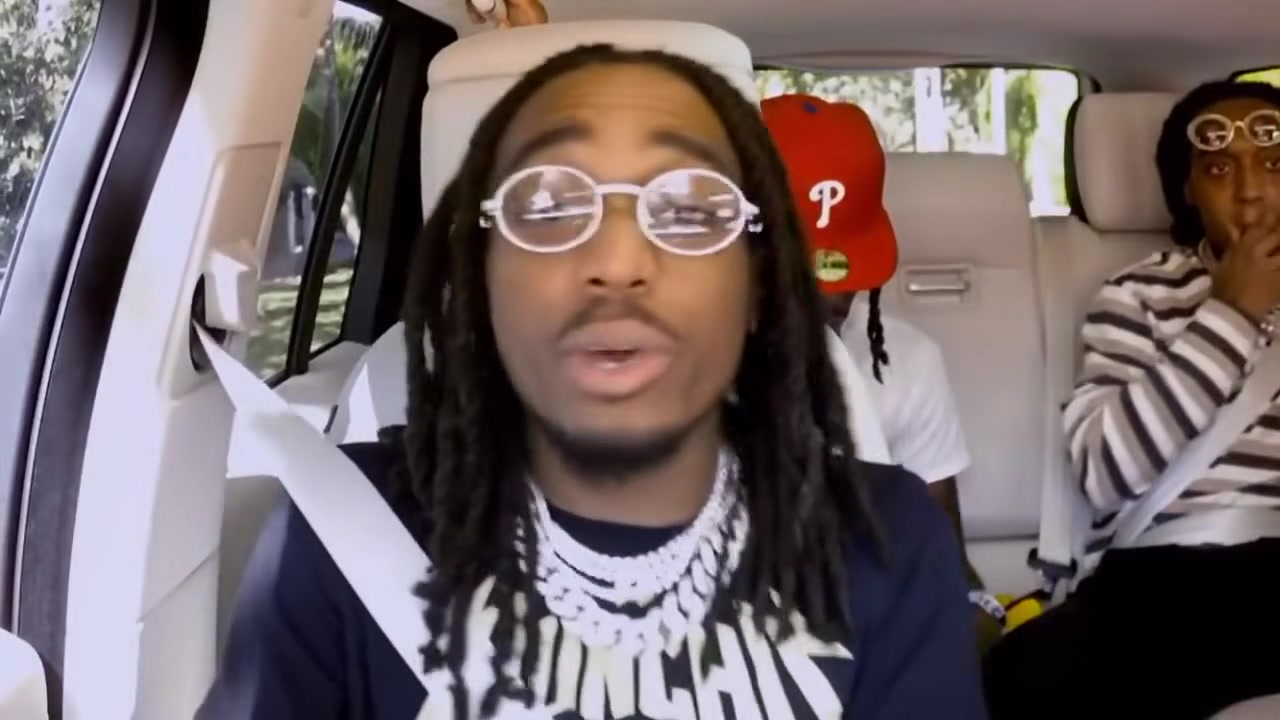
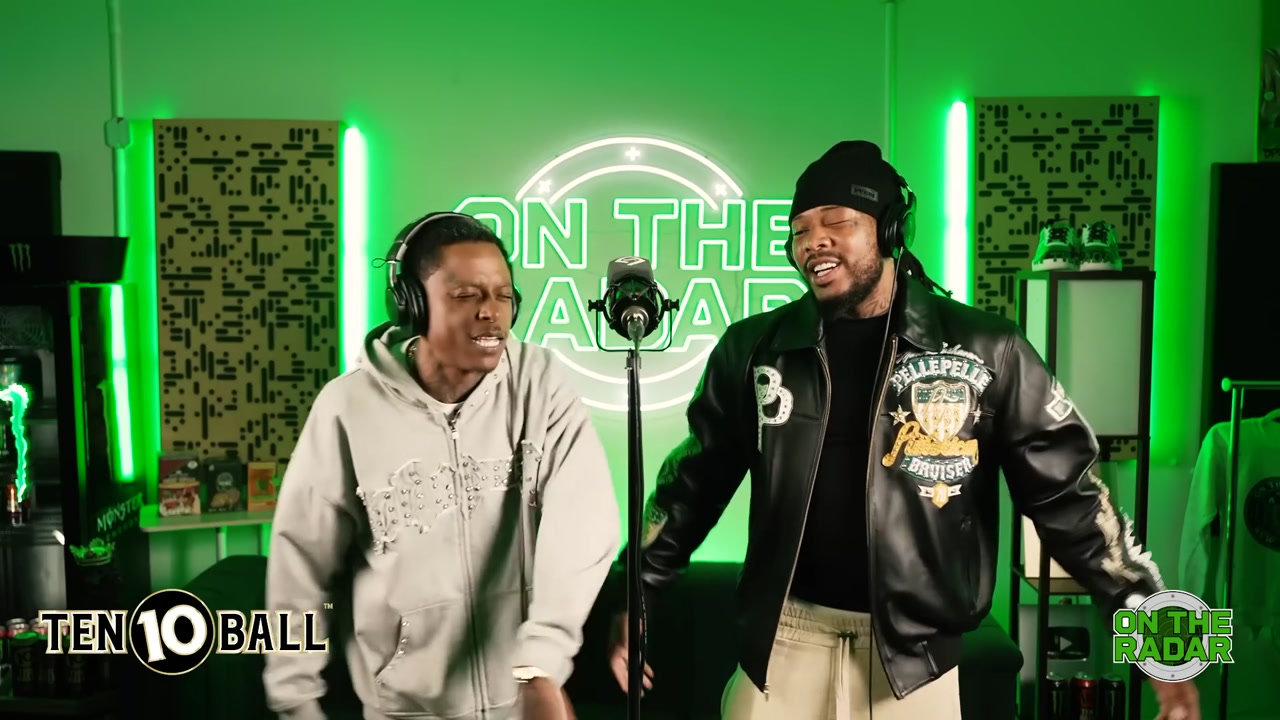
Solo verses
Popstar AI Video Generator
Make a Popstar AI video and live like a star for fifteen seconds. The Popstar AI video puts you in the mansion from the famous DJ Khaled and Drake music video: champagne, security in the background and a verse lip synced straight to the camera. Upload one photo and the Popstar AI generator makes you the popstar, keeping the setting, the camera moves and the timing of every line.
What is the Popstar AI video trend?
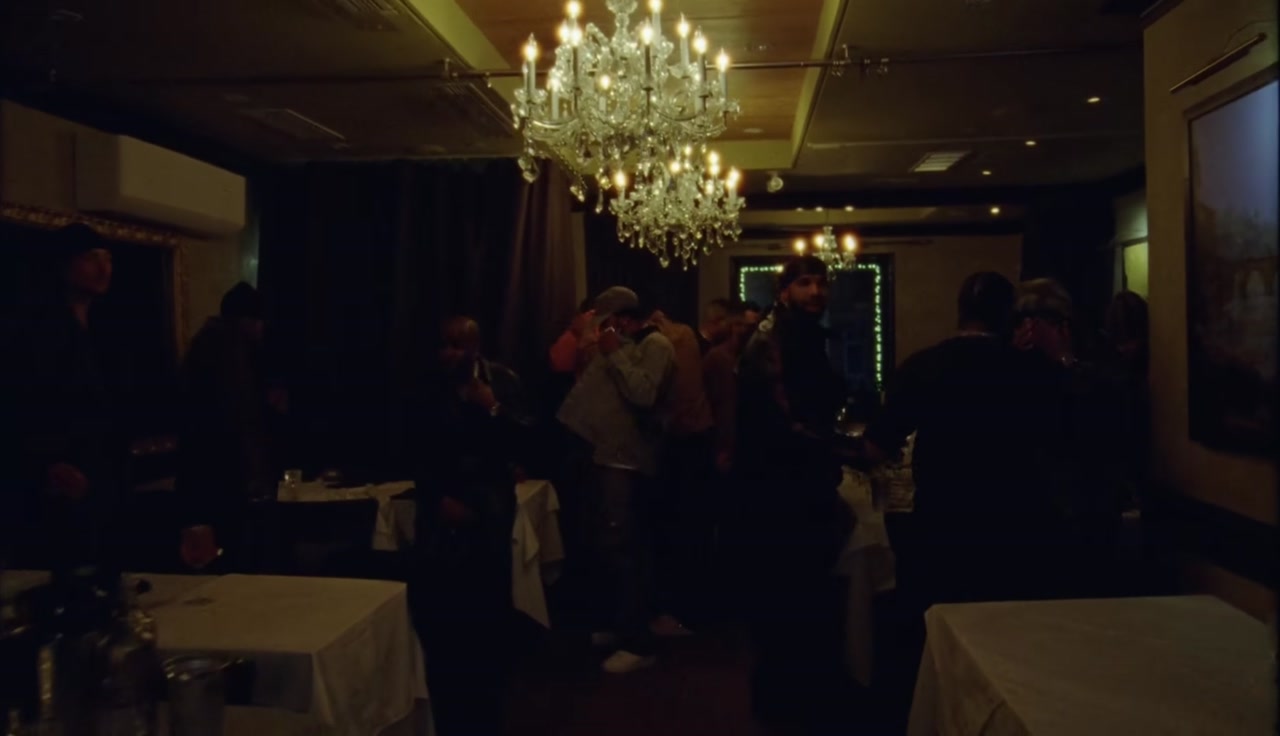
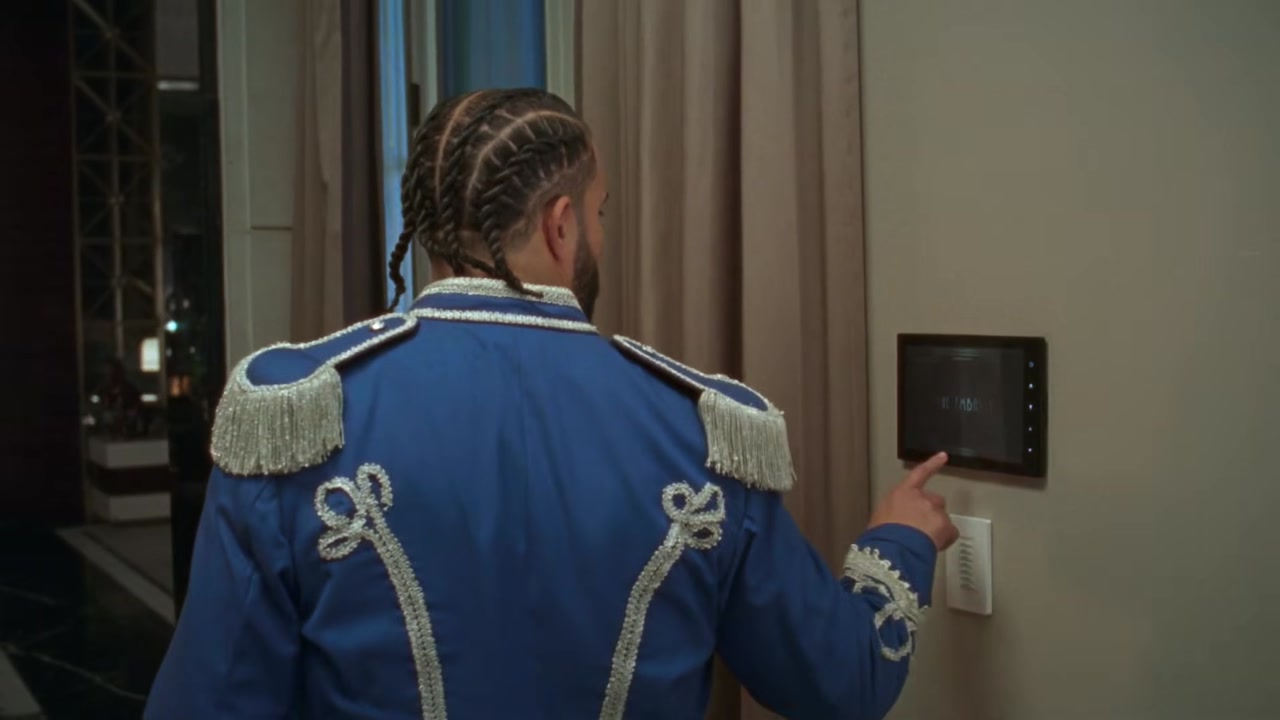
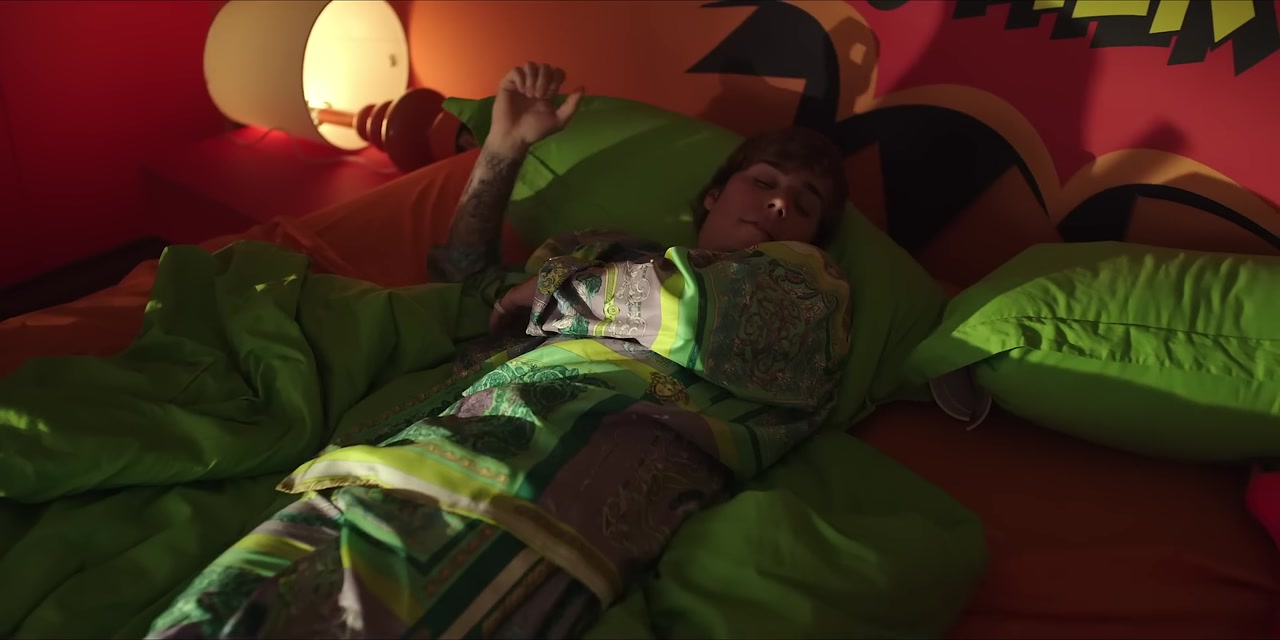
The Popstar AI video trend is built on one of the most watched rap music videos ever. In the original, a young star wanders a mansion, lip syncing a Drake verse to the camera while the lifestyle around him gets more ridiculous by the second. The video has more than 350 million views, and the lip sync moment became a meme long ago.
In October creators started making a Popstar AI video with their own faces. Instead of acting famous with a ring light and a borrowed jacket, they used a single photo and let the AI put them in the mansion. Friends, parents, teachers and pets all became popstars for a day.
A Popstar AI video keeps the mansion, the framing and the rhythm of the verse. Only the performer changes, so the clip reads as the Popstar trend from the first frame while the face is yours.
How to make a Popstar AI video in three steps
Upload your photo
Add one clear photo of the person you want to turn into a popstar. The Popstar AI generator replaces the main performer who lip syncs to the camera.
Pick a quality
Choose 480p, 720p HD or 1080p Full HD. Every Popstar AI video is 15 seconds long in vertical 9:16.
Generate and download
Press Generate. The AI keeps the mansion, the camera work and the lip sync timing, and swaps in your face, hair and visible outfit. Most clips are ready in a few minutes, and your Popstar AI video is saved in My creations.
Best photos for a Popstar AI video
The lip sync is the heart of the Popstar AI video, so the face needs to be clear and easy to animate.
- Face the camera with your mouth closed or slightly open.
- Use soft, even light. Strong shadows across the mouth make the lip sync look less natural.
- Show the head and shoulders. A bit of the outfit helps the AI style the popstar.
- Sunglasses are fine if the rest of the face is visible. They actually suit the Popstar trend.
- Use one person per photo and crop out anyone else.
- Pick a confident expression. The original performer plays it cool.
A Popstar AI video with a pet works too. Choose a front facing photo with the mouth visible.
Popstar AI video ideas that work
The funniest Popstar AI video puts the least likely person in the mansion. Ideas that keep getting shared:
- Yourself, living the popstar life you deserve.
- Your dad or grandma lip syncing the verse with a straight face.
- A teacher or coach, with permission, for a class or team account.
- Your dog, sunglasses on, owning the mansion.
- A friend on their birthday, captioned as their new career.
- A brand mascot announcing a launch.
- A character from a show who would never rap.
Make a Popstar AI video for each person in your group and let followers vote for the best popstar.
Tips for a better Popstar AI result
A few small choices make a better Popstar AI video.
- Choose a photo with a neutral mouth. A huge smile makes it harder to match the lip sync.
- Keep hair away from the mouth and eyes.
- Use 720p HD or 1080p Full HD for posting. The mansion has a lot of detail that looks better in higher quality.
- Avoid group photos. Even a cropped group shot can confuse which face to use.
- If a result looks off, try a different photo. The photo matters more than retrying.
Popstar AI video vs a regular face swap
A face swap app sticks a face onto the original performer. A Popstar AI video rebuilds the performer with your face, hairstyle and outfit, then animates that person through the scene, including the mouth movement of the lip sync. That is what keeps the result from looking like a mask.
Because the performer is rebuilt, the Popstar AI video holds up when people pause it or watch it twice. You also do not need to film yourself lip syncing. One still photo is enough for the Popstar AI generator to make the whole clip.
If you tried the Popstar trend in another app and the mouth looked frozen, use a brighter photo with a relaxed mouth here. Most issues come from the input photo.
Where the Popstar music video comes from
Popstar is a DJ Khaled song with a Drake verse, released in 2020 with a music video that became an event on its own. Instead of the artists, the video follows a young pop star who takes over a mansion, lip syncs the verse and causes chaos while security and staff try to keep up. The joke is that the biggest rappers in the world made a video where someone else lip syncs their song.
That setup is exactly why the Popstar AI video works so well. The original already swapped the rapper for someone unexpected. A Popstar AI video takes the same idea one step further and puts you, your friend or your pet in that role. You are not copying the joke, you are continuing it.
The mansion scenes are bright and clean, with the performer facing the camera for long stretches. That makes the clip a strong reference for AI, which is another reason a Popstar AI video looks smooth from a single photo.
Popstar AI video for creators and brands
For creators, a Popstar AI video is a quick way to join a recognizable format without filming. It fits reaction pages, meme accounts and personal channels alike. For brands, a team member or mascot in a Popstar AI video makes a playful launch or milestone post. Keep the caption light and always use photos you have permission to use.
Why the Popstar trend came back
The Popstar trend came back because the joke is universal: everyone has imagined being famous for a moment. The original video already plays with that idea, showing how absurd fame can look. Putting your own face into it turns the joke on yourself, which is why a Popstar AI video feels friendly rather than show-off.
The verse is also short, punchy and well known. Viewers recognize it within a second, so a Popstar AI video works even for people who scroll fast. That instant recognition is what keeps a meme format alive years after the original release.
Who makes a Popstar AI video
People who want a laugh make most Popstar AI videos: friends roasting each other, families surprising a parent and pet owners giving their dog a moment of fame. Small creators use the Popstar AI generator to join the trend quickly, and some businesses use it for playful announcements. Always get permission before you use someone else's photo in a Popstar AI video.
How to post your Popstar AI video on TikTok, Reels and Shorts
Your Popstar AI video is 9:16, ready for TikTok, Instagram Reels and YouTube Shorts.
- Write a caption that plays on fame, for example "my dog finally got his record deal".
- Add the Popstar sound on TikTok so your post joins the trend page.
- Tag the person you made a popstar. They will share it.
- Post a few Popstar AI videos in a row with different people for a series.
Popstar AI video quality and credits
A Popstar AI video costs 20 credits at 480p, 45 credits at 720p HD and 80 credits at 1080p Full HD. The cost appears next to the Generate button before you start, and if a task fails its credits are returned. Credits work on every template on the site.
Popstar AI video FAQ
How many photos do I need for a Popstar AI video?
One. The template replaces the main performer who lip syncs to the camera.
Does the Popstar AI video keep the music?
Yes. The clip follows the original rhythm and timing so the lip sync lines up with the verse.
Can I wear sunglasses in my photo?
Yes, as long as the rest of the face is visible. Sunglasses suit a Popstar AI video.
How long is a Popstar AI video?
Each Popstar AI video is 15 seconds long in 9:16, sized for TikTok, Reels and Shorts.
Can I make a Popstar AI video of my pet?
Yes. Use a front facing photo where the face and mouth are clear.
Is this Popstar AI generator official?
No. This is an independent fan template, not affiliated with DJ Khaled or Drake.
More AI rap video templates
 New
New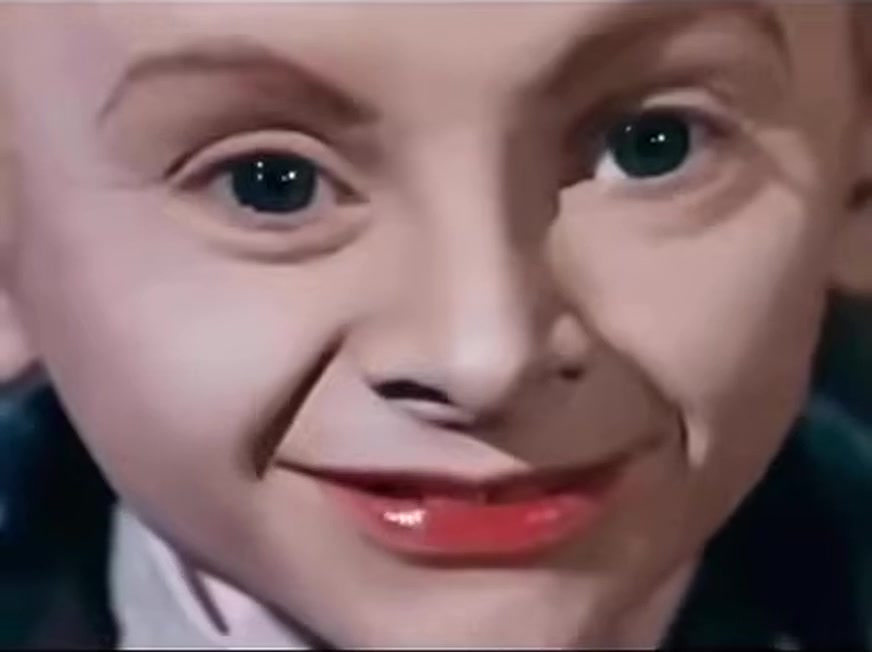 New
New